REFURBISHED
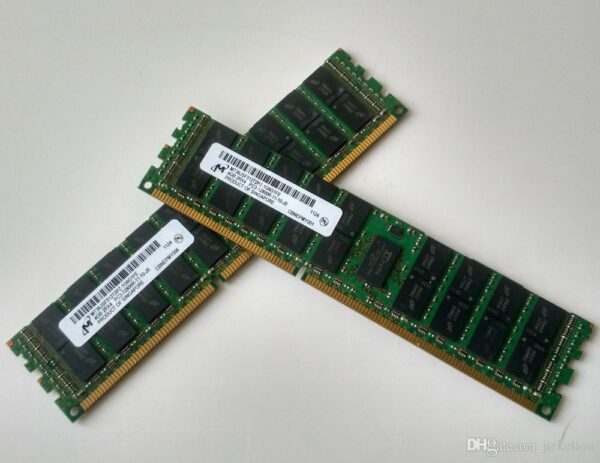
Product Overview
Server Compatibility :
Dell PowerEdge servers supporting DDR3
These models are known to support DDR3 (ECC / RDIMM or UDIMM) memory:
| Server Model | Form Factor / Use-case |
|---|---|
| R210, R210 II | 1U Rack servers |
| R310, R410, R420 | Rack / 1U / 1-socket servers with DDR3 support |
| R510 | Rack server using DDR3 memory |
| R610, R620 | Rack server (11th-gen DDR3 architecture) |
| R710, R720 | Rack 2U server, popular DDR3-based model |
| R715 | Rack server (DDR3-based in similar generation) |
| T110, T110 II | Tower servers with DDR3 support (UDIMM ECC DDR3) |
| T310 | Tower server supporting DDR3 (RDIMM or UDIMM depending on configuration) |
| T620, T320, T420 (and other 12th-gen “T” / “R” / “M” line) | Many generation-12 (and earlier) PowerEdge rack/tower/blade servers use DDR3. |
| M610, M710 (blade / modular servers) | Blade-server class with DDR3 memory support. |
| R810, R910 (large 4U / enterprise-class servers) | High-end servers using DDR3 (ECC, Registered) DIMMs. |
| C-series servers like C1100, C2100, C6100 (dense / hyperscale 1U/2U servers) | Cluster / compute servers — listed as using DDR3. |
Before you buy DDR3 RAM for a PowerEdge server, make sure that:
-
The RAM is DDR3 (not DDR4 or DDR2).
-
Frequency (e.g. 1066 MHz, 1333 MHz, 1600 MHz) matches or is supported by your server’s memory controller.
-
You don’t mix incompatible types: e.g. don’t mix RDIMM with UDIMM or different DIMM types.
-
Follow the server’s memory-channel rules (e.g. how many DIMMs per channel, per CPU) — often detailed in the server’s manual.
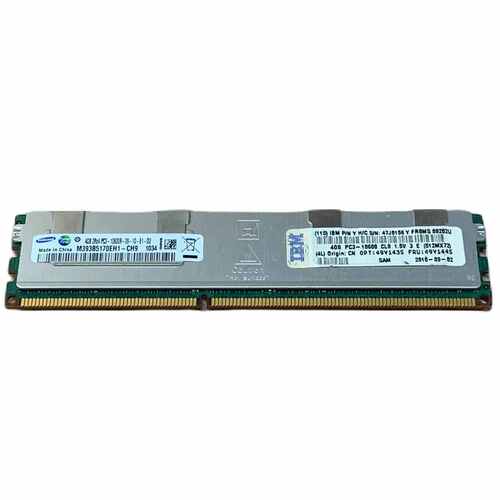
8GB DDR3 Server RAM
Rs 3,000
NPR